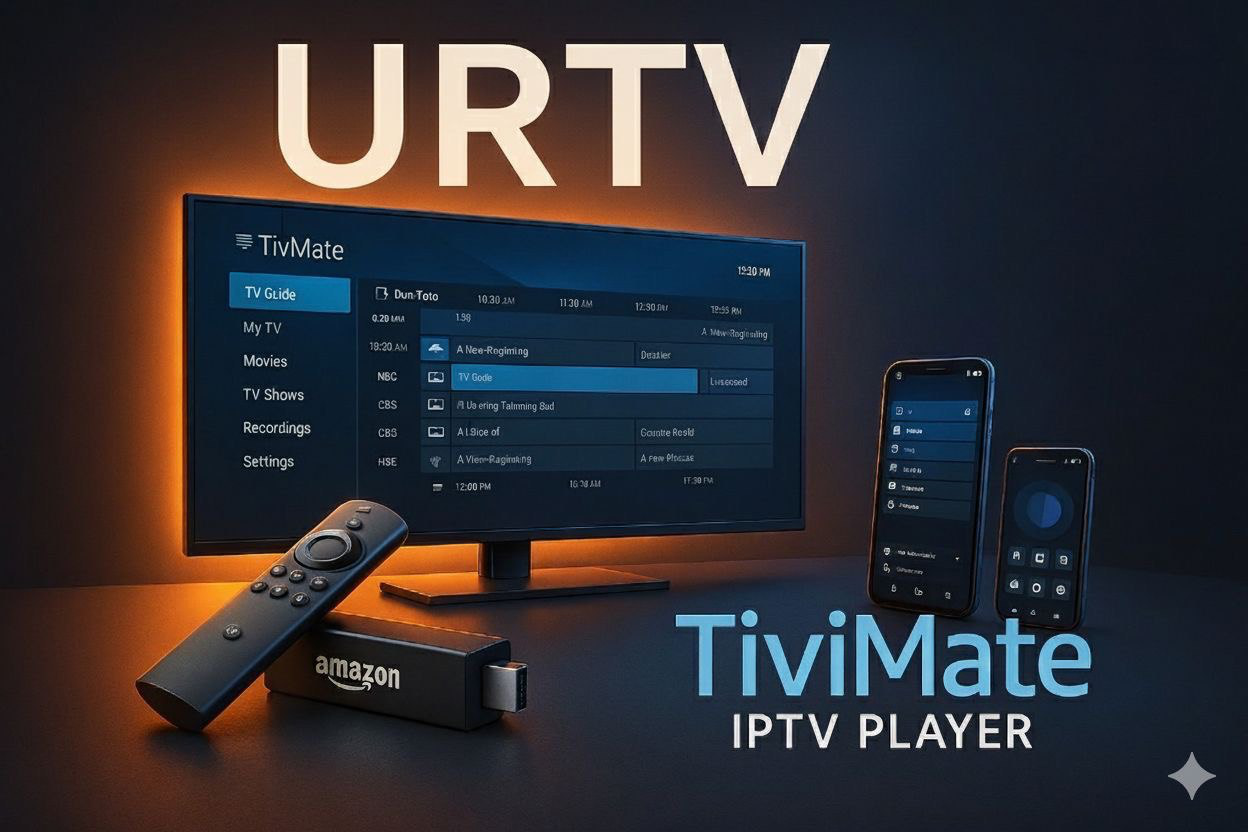
TiviMate Player Installation Tutorial 2025
How to Install TiviMate IPTV Player on Firestick, Android TV, Android Phone & Windows 11 (2025 Guide)
Looking to install TiviMate IPTV Player on your device? Whether you’re using a Firestick, Android Smart TV, phone, or even a Windows 11 PC, this guide will walk you through the entire process. If you’re a subscriber of Urtvstream, one of the best IPTV providers in 2025, you’re in for the smoothest experience.
TiviMate is one of the most powerful and user-friendly IPTV players available. It allows you to watch live TV from your IPTV provider with a modern interface, multi-screen support, EPG (TV Guide), catch-up, and more.
Note: TiviMate does not provide IPTV content. You’ll need a subscription from a provider like Urtvstream to get channels and VOD.
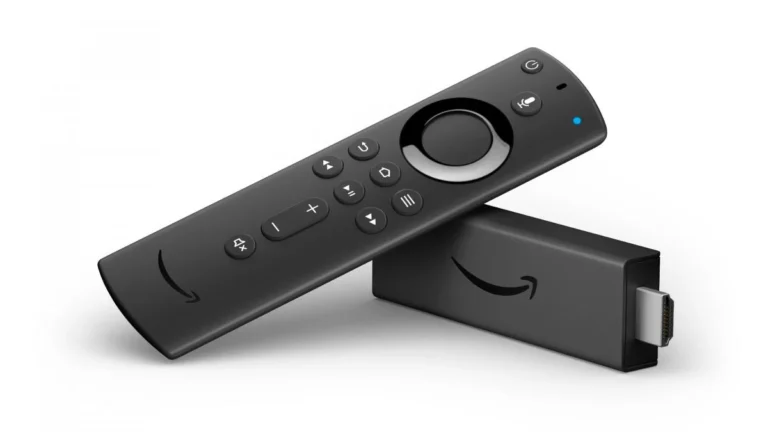
- Enable Unknown Sources: Go to
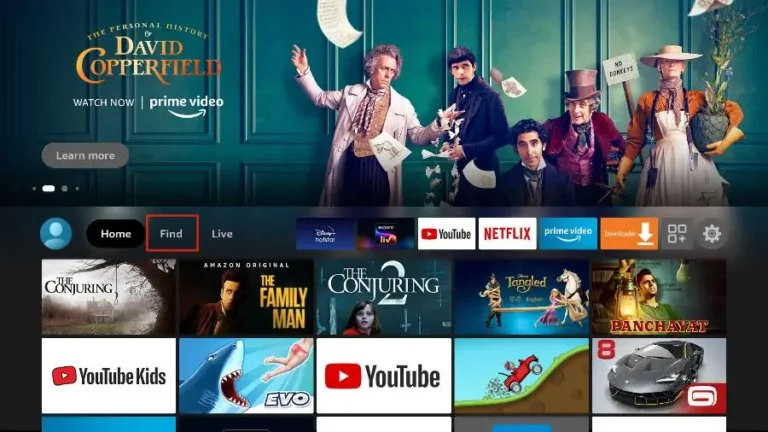
Settings > My Fire TV > Developer Options→ Enable Apps from Unknown Sources - Install Downloader: Find Downloader in Amazon App Store and install it
- Download APK: Open Downloader and enter:
https://tivimates.com/tivimate.apk(or from) - Install the App and launch it
- Login with Urtvstream. Use Xtream Codes (server, user, password)
- Open Google Play Store on your device
- Search for TiviMate IPTV Player
- Click Install
- Launch and input Urtvstream credentials via Xtream Codes
- Open Google Play Store
- Search TiviMate IPTV Player
- Install and open it
- Enter Xtream Codes from Urtvstream
TiviMate doesn’t have a native Windows app, but here’s how to use it:
Method: BlueStacks Emulator
- Download BlueStacks and install
- Login to Google Play inside emulator
- Search for TiviMate IPTV Player and install
- Launch and input KroozTV details
Alternative: Use MyIPTV Player from Microsoft Store.
- Get TiviMate Premium for multi-view, backup, recording
- Use NordVPN to stay private
- Make profiles for different users
TiviMate + Urtvstream is a top-tier IPTV solution for Firestick, Android, and PC users in 2025. The setup is simple, the interface is beautiful, and the experience is unmatched.
Related Articles:
Disclaimer: This guide is for educational use only. Ensure IPTV use is legal in your area.